
MaruOps · Infrastructure and AI notes
Linux, Kubernetes
and local AI.
Linux, networking, Kubernetes and local LLMs.
Configuration choices and troubleshooting, explained step by step.
Series guides
Kubernetes Lab
Prepare three VMs, build a cluster, then work through deployment, networking and recovery.
Local LLM
Run a first model, then explore APIs, document retrieval, tools and operations.
Git and GitOps
Follow repositories and commits through CI, deployment and GitOps recovery.
Latest articles
Browse the topics to find the guide you need.
-
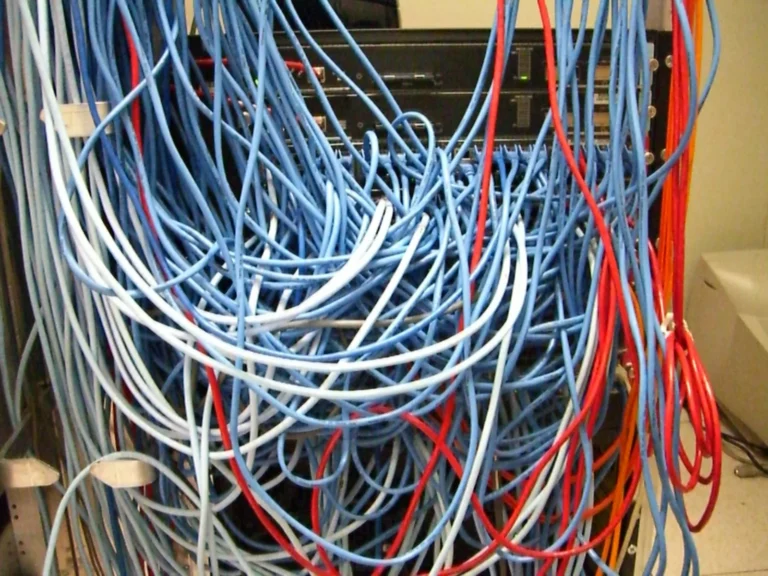
Build a DNS Server on Rocky Linux 9 with BIND: Forward and Reverse Zones
Configure BIND for the lab.com lab zone, add forward and reverse records, and verify authoritative answers and client resolver settings.
-
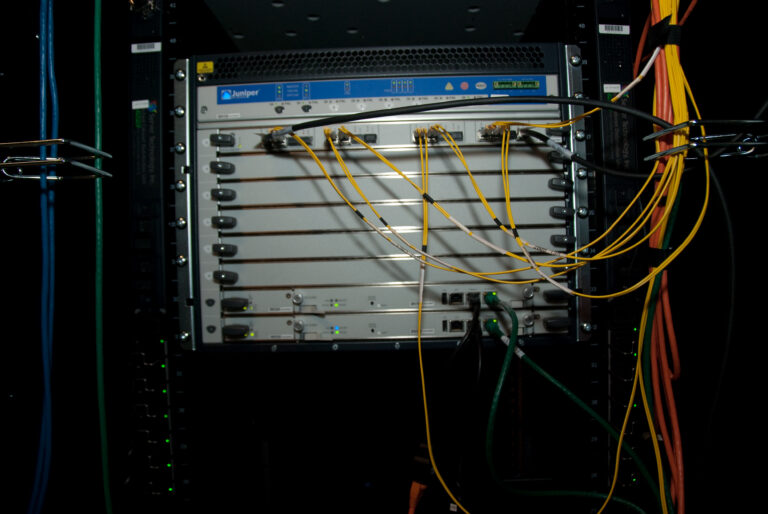
Configure Static Routes on Ubuntu with Netplan
Choose the correct Netplan interface, add persistent routes and verify the selected path with a rollback plan available.
-
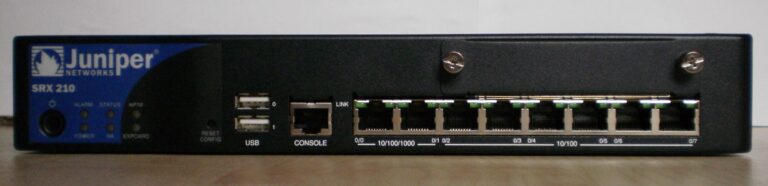
Configure Static Routes on Rocky Linux with nmcli
Inspect the current path, add persistent NetworkManager routes and verify route selection before removing or repairing a configuration.
-
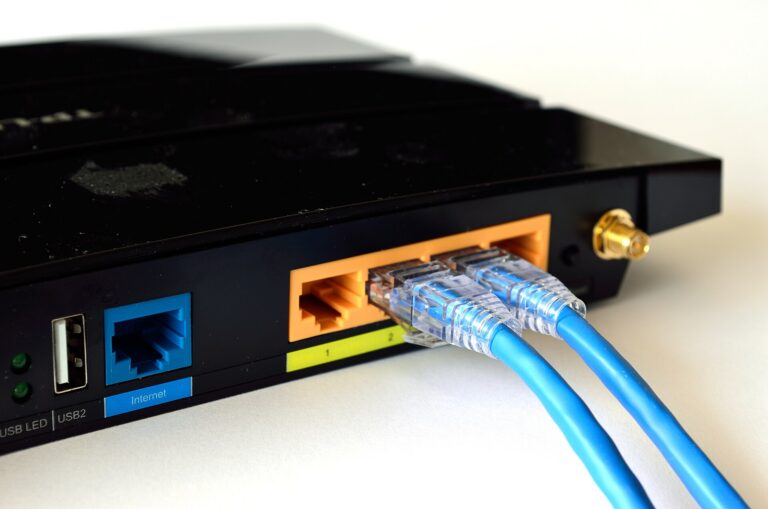
NAT Explained: SNAT, DNAT, One-to-One NAT and Port Forwarding
Follow how NAT changes packet addresses and ports, distinguish SNAT and DNAT, and understand the return path and firewall requirements.
-
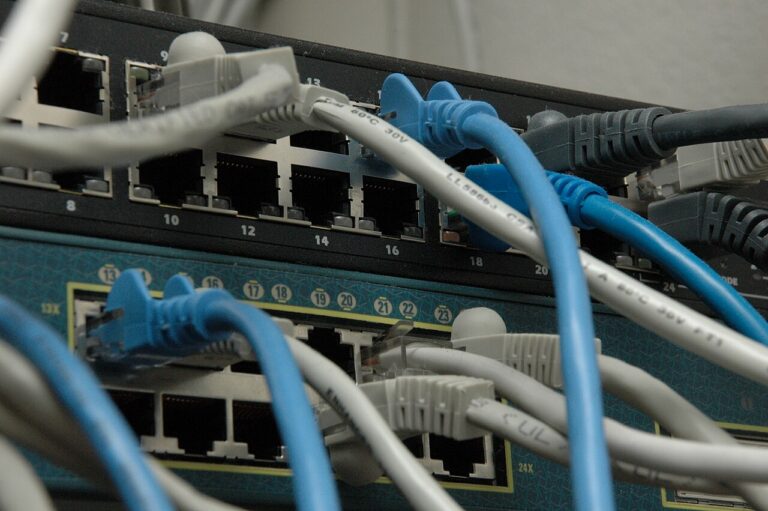
Find the Cause of Kubernetes ImagePullBackOff
Read Pod events to distinguish missing images, registry authentication failures, network errors and image reference problems.
-

Install Python Packages Offline: Prepare Wheels and Dependencies
Build a wheel collection for the target Python and platform, include dependencies and test installation without online package access.
-

Find Missing Ollama Models in Open WebUI
Check which Ollama endpoint Open WebUI uses, inspect the server’s model list and verify container networking and configuration.
-
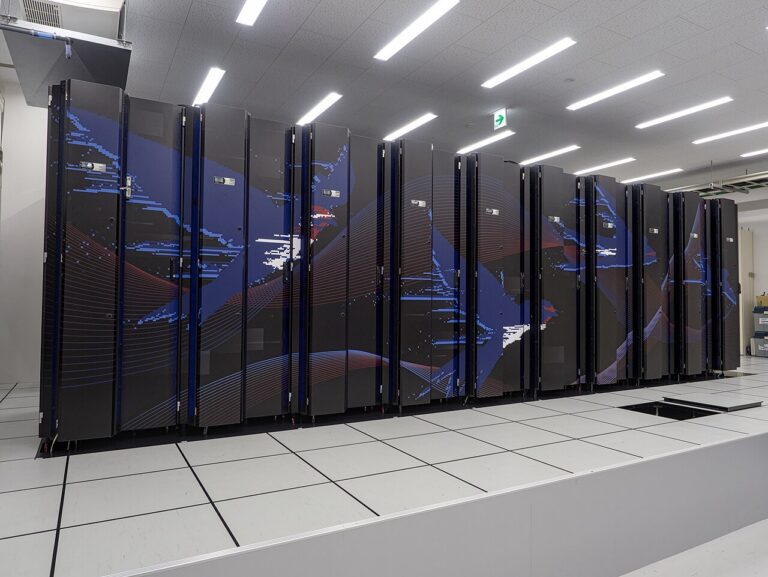
Diagnose a Restarting Docker Container with Logs and Exit Codes
Inspect restart state, exit codes and recent logs, then trace the failing process and configuration before changing restart policies.
-
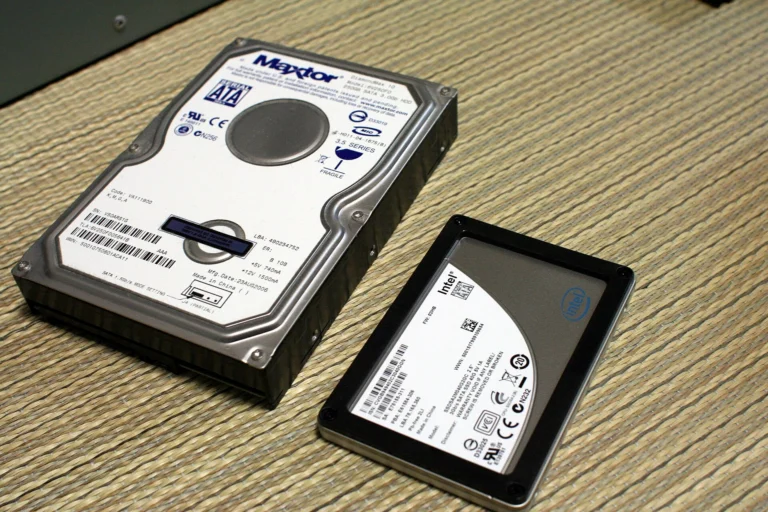
Fix No Space Left on Device When Linux Still Shows Free Space
Check the affected filesystem, inode availability, quotas and open deleted files before choosing a cleanup or expansion action.

About these notes
Configuration
and troubleshooting.
From first configuration to operational issues.
Find what to inspect, why it matters, and how to proceed.