Network Configuration
Covers Rocky Linux·Ubuntu’s static IP, NetworkManager·Netplan settings, route·DNS verification and recovery.
-
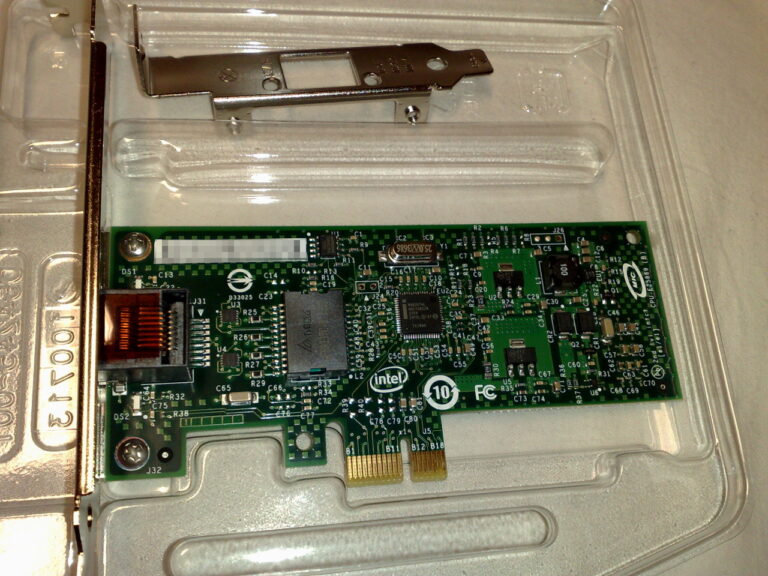
Use the Linux ip Command: Practical Examples and Differences from ifconfig
Inspect and change Linux addresses, links and routes with ip, and understand what legacy ifconfig displays and where it is still used.
-

Build a DNS Server on Rocky Linux 9 with BIND: Forward and Reverse Zones
Configure BIND for the lab.com lab zone, add forward and reverse records, and verify authoritative answers and client resolver settings.
-
Configure Static Routes on Ubuntu with Netplan
Choose the correct Netplan interface, add persistent routes and verify the selected path with a rollback plan available.
-
Configure Static Routes on Rocky Linux with nmcli
Inspect the current path, add persistent NetworkManager routes and verify route selection before removing or repairing a configuration.
-
Configure Ubuntu 26.04 Networking: Static IP, nmtui and Two NICs
Choose the active network manager, configure a static address and handle routing and DNS when Ubuntu 26.04 has two interfaces.
-
Set a Static IP on Ubuntu 24.04 with Netplan, DNS and SSH Recovery
Inspect Netplan files and the active renderer, set an address and DNS, and test the change with a recovery path available.
-
Set a Static IP on Rocky Linux 9 with nmtui and nmcli
Identify the NetworkManager connection, set a static address and DNS, and prepare a recovery path before changing a remote connection.