Kubernetes
Kubernetes installation, networking and operations.
-
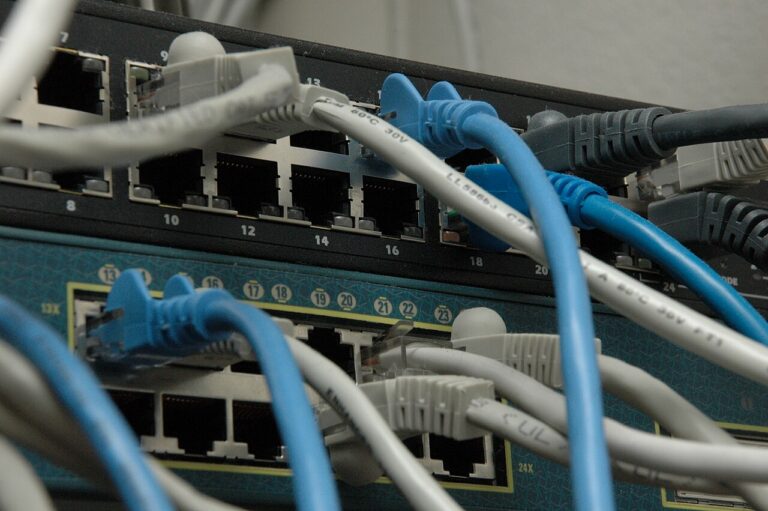
Find the Cause of Kubernetes ImagePullBackOff
Read Pod events to distinguish missing images, registry authentication failures, network errors and image reference problems.
-

[Kubernetes Lab 01] Prepare Windows 11, VMware and Rocky Linux
Plan and create the three Rocky Linux VMs for a Kubernetes lab running in VMware on a Windows 11 host.
-
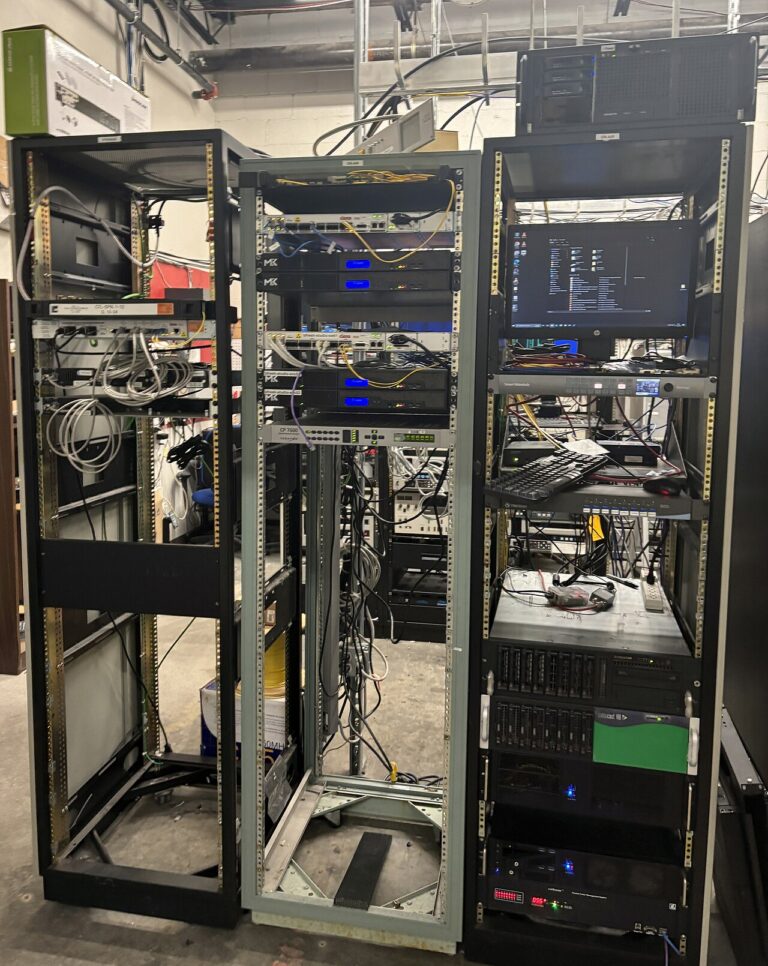
[Kubernetes Lab 02] Rocky Linux IP, Time and Kernel Settings
Set stable addresses and hostnames, synchronize time, and check kernel and network settings on the three Rocky Linux lab VMs.
-
[Kubernetes Lab 03] Install containerd 2.x and kubeadm
Prepare containerd and the Kubernetes packages, check runtime settings, and verify the prerequisites for kubeadm.
-
[Kubernetes Lab 04] Build the Cluster and Connect Calico
Initialize the control plane, join the workers and check Calico networking before deploying applications.
-
[Kubernetes Lab 05] Deploy an Application and Perform a Rolling Update
Create a Deployment, inspect rollout status and test a rolling update, then use the recorded revision to recover from a failed change.
-
[Kubernetes Lab 06] Service DNS and Access from Windows
Trace ClusterIP, Service DNS and NodePort traffic, and choose the correct address when accessing the lab from Windows.
-
[Kubernetes Lab 07] Keep Files with a Local PV and PVC
Create a local PersistentVolume and claim, check where application files remain, and understand node placement and recovery limits.
-
[Kubernetes Lab 08] RBAC, NetworkPolicy and Pod Permissions
Control API access with RBAC, limit Pod traffic with NetworkPolicy, and check workload execution permissions in the lab.