Local LLM
Running and understanding local language models.
-

Find Missing Ollama Models in Open WebUI
Check which Ollama endpoint Open WebUI uses, inspect the server’s model list and verify container networking and configuration.
-

Run vLLM on RTX: Rocky Linux 9 and Ubuntu 24.04 or 26.04
Check GPU and Python requirements, prepare vLLM on the target Linux distribution and test model serving with the recorded configuration.
-

Download and Archive safetensors Models for an Offline Environment
Download the required model snapshot, record files and checksums, and transfer an archive for use in a disconnected environment.
-

Explore a Tokenizer: Korean and English Token IDs and Embeddings
Inspect token pieces, IDs, special tokens and embeddings in the browser tool, and distinguish tokenization from semantic similarity.
-
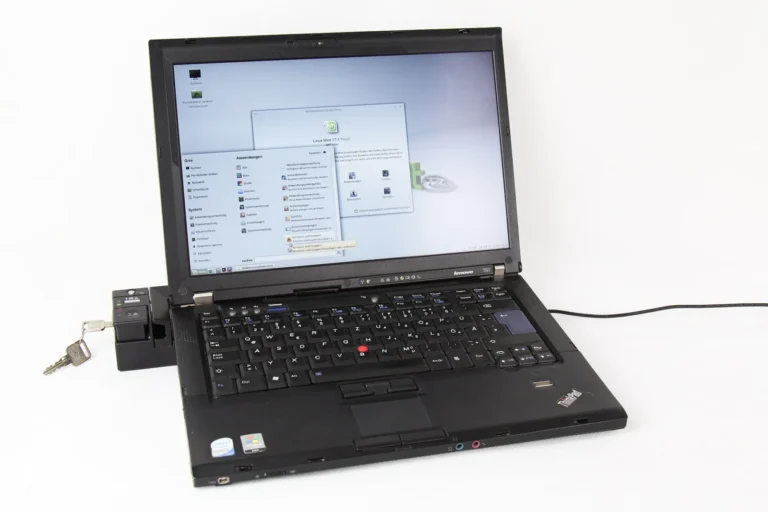
Run Ollama Models on Linux: Installation, Service and Local API
Install Ollama on Linux, check the server and model state, and call the local API with the intended model.
-
[Local LLM 01] What to Check Before Running a Local LLM
Identify the hardware, model files, runtime and data boundaries involved before choosing a local LLM setup.
-
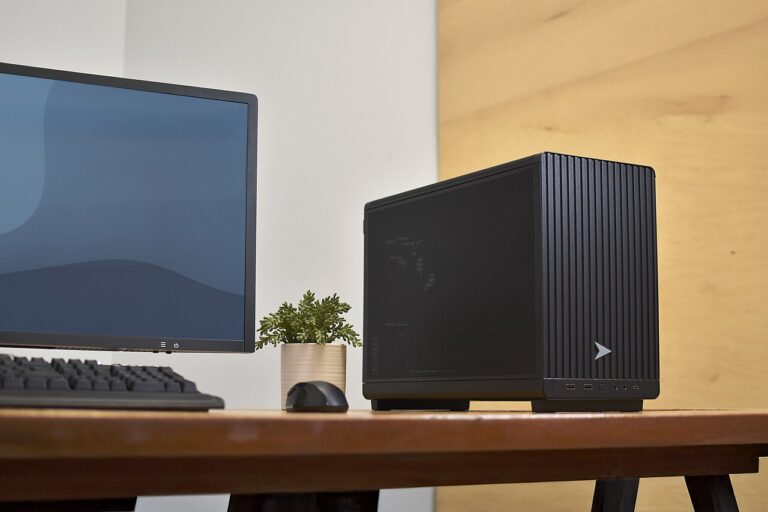
[Local LLM 02] Install Ollama on Windows 11 and Run a Model
Install Ollama on Windows 11, download a model and verify the first response before adding other applications.
-

[Local LLM 03] Choose a Model for Your Computer
Compare model size, quantization, context and intended tasks against the memory and runtime available on your computer.
-
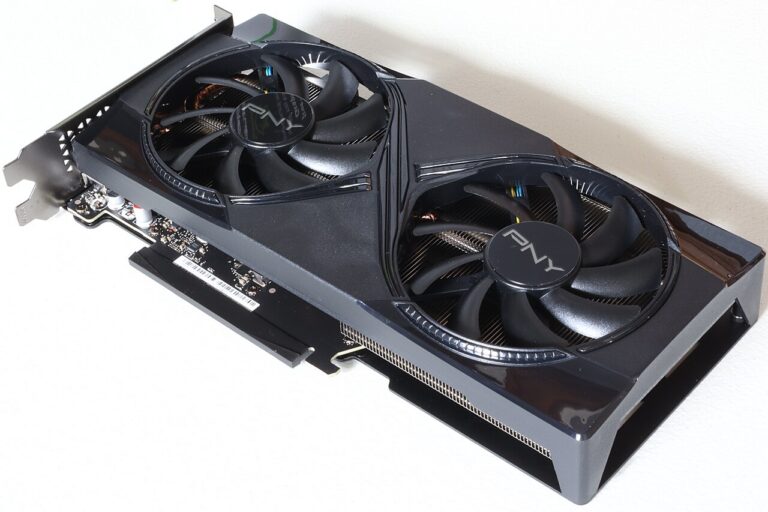
[Local LLM 04] Read CPU, GPU and VRAM Specifications
Read CPU, system memory and GPU VRAM specifications, and distinguish the resources used when loading and running a local model.