Git and GitOps
It goes from Git installation on Windows, Rocky, and Ubuntu to branch collaboration, local Git server, CI/CD, and GitOps operation.List of all 24 episodes and example filesYou can check the learning order here.
-

[Git and GitOps 24] Operate Git, CI/CD and GitOps: Diagnose and Recover
Use failure-specific checks to trace source, build, artifact and deployment problems across a Git and GitOps workflow.
-

[Git and GitOps 23] Manage Secrets with SOPS and age
Understand why Kubernetes Secret base64 is not encryption, then separate encrypted Git content from the keys required to decrypt it.
-

[Git and GitOps 22] Review Auto-Sync, selfHeal, prune and Git Revert
Trace how Argo CD detects drift and applies desired state, and choose a recovery action with deletion and automation in mind.
-
[Git and GitOps 21] Deploy with Argo CD: Installation, Projects and Git Access
Install Argo CD, define an AppProject, configure repository access and inspect the first application sync.
-
[Git and GitOps 20] Apply GitOps Principles and Separate App and Deployment Repositories
Understand the four GitOps principles and decide which repository holds application source and which holds deployment state.
-

[Git and GitOps 19] Plan CD: Approval, Artifact Promotion and Image Digests
Move a verified artifact through delivery and deployment stages using approvals, immutable image references and recovery records.
-
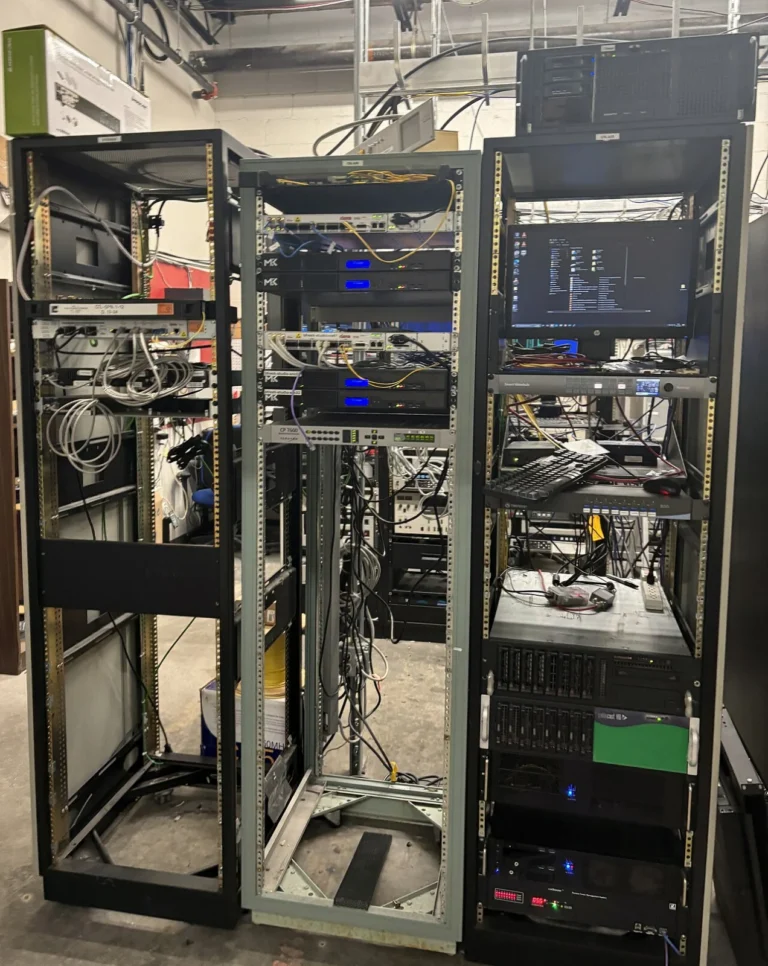
[Git and GitOps 18] Connect Gitea and Jenkins: Credentials and Jenkinsfile
Connect a Gitea repository to Jenkins with scoped credentials, a Jenkinsfile and the appropriate build trigger.
-

[Git and GitOps 17] Add GitHub Actions CI and Stop on Test Failures
Define a GitHub Actions workflow that checks the code, reports failures and publishes artifacts only after the required steps pass.
-
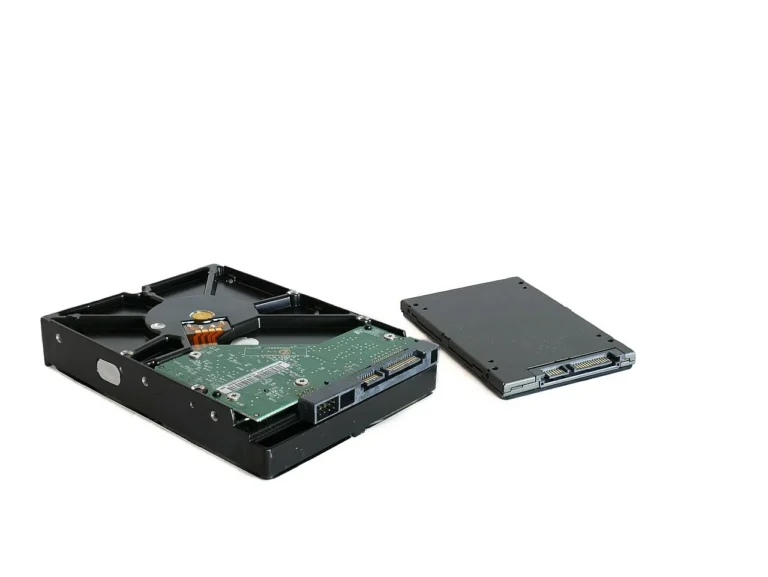
[Git and GitOps 16] Back Up and Restore Gitea Beyond the Repository Files
Identify Gitea’s database, configuration and stored data, then test a consistent restore in an isolated environment.