Getting Started and Model Selection
Model selection, quantization and inference memory planning.
-

Explore a Tokenizer: Korean and English Token IDs and Embeddings
Inspect token pieces, IDs, special tokens and embeddings in the browser tool, and distinguish tokenization from semantic similarity.
-
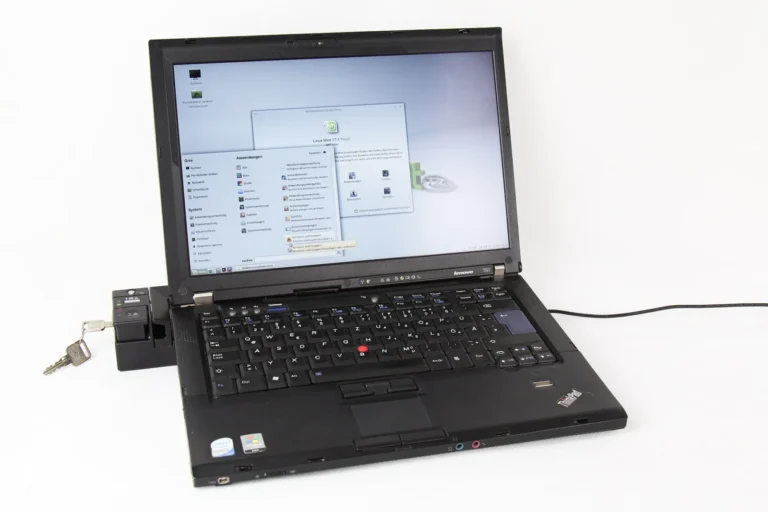
Run Ollama Models on Linux: Installation, Service and Local API
Install Ollama on Linux, check the server and model state, and call the local API with the intended model.
-
[Local LLM 01] What to Check Before Running a Local LLM
Identify the hardware, model files, runtime and data boundaries involved before choosing a local LLM setup.
-
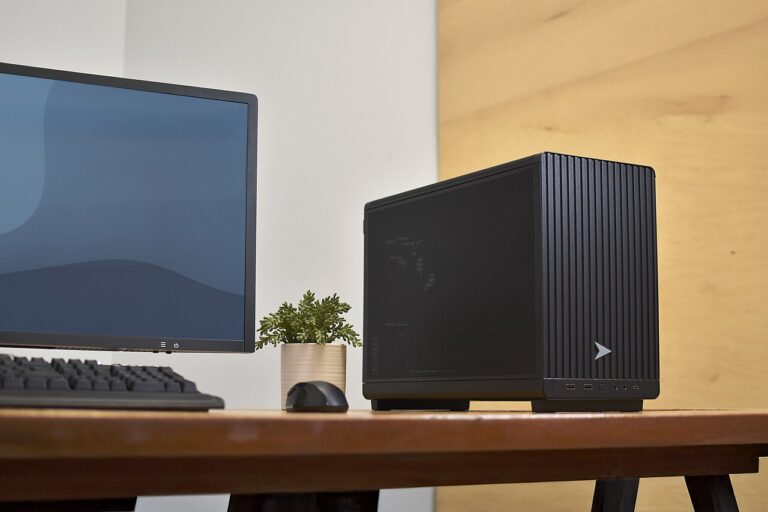
[Local LLM 02] Install Ollama on Windows 11 and Run a Model
Install Ollama on Windows 11, download a model and verify the first response before adding other applications.
-

[Local LLM 03] Choose a Model for Your Computer
Compare model size, quantization, context and intended tasks against the memory and runtime available on your computer.
-
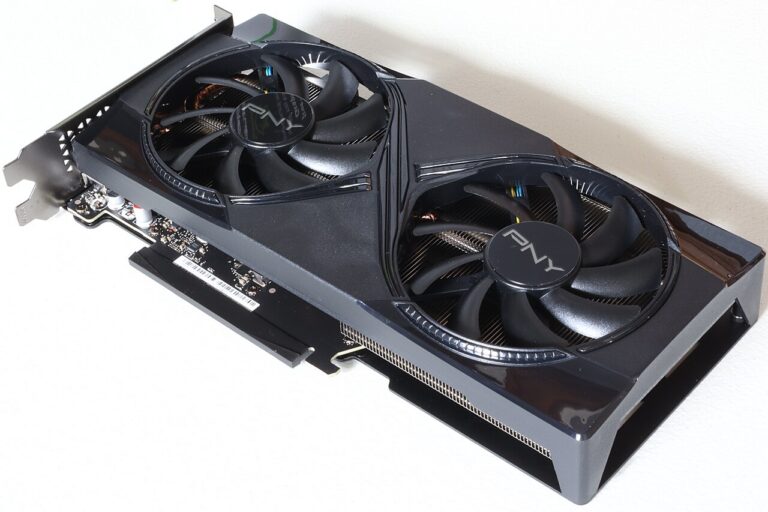
[Local LLM 04] Read CPU, GPU and VRAM Specifications
Read CPU, system memory and GPU VRAM specifications, and distinguish the resources used when loading and running a local model.
-
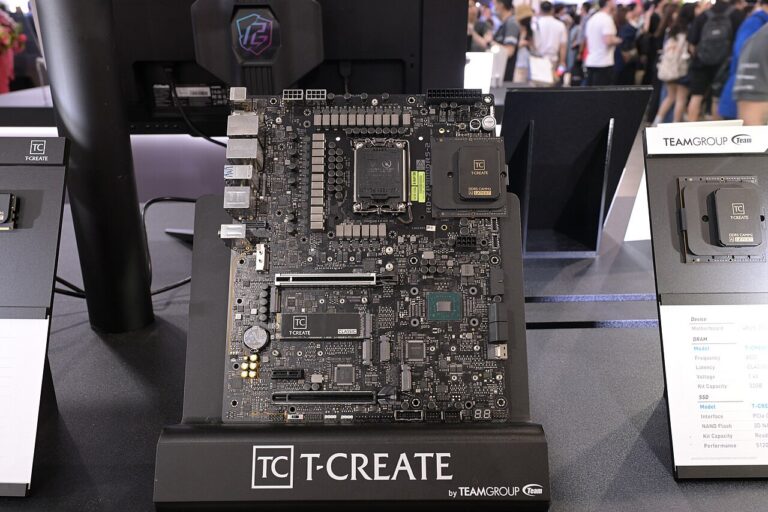
[Local LLM 05] Tokens, Context, Quantization and Memory Use
Understand how token count, context length and weight quantization affect local model memory requirements.
-
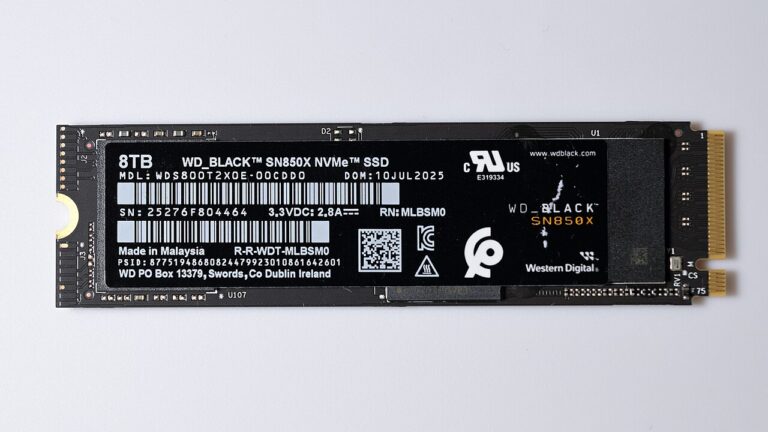
[Local LLM 06] Move Model Storage and Check Offline Operation
Find the model storage path, move it with the relevant runtime settings, and check what remains available without a network connection.
-

[Local LLM 07] Use GGUF Models and the API in LM Studio
Load a compatible GGUF model in LM Studio, inspect resource settings and test its local API with the selected model.