Performance and Operations
Local model performance, GPU use and operational troubleshooting.
-

Download and Archive safetensors Models for an Offline Environment
Download the required model snapshot, record files and checksums, and transfer an archive for use in a disconnected environment.
-
[Local LLM 26] Measure Loading, First Response and Generation Speed
Measure model loading, time to first response and token generation separately, using the same request and recorded runtime settings.
-
[Local LLM 27] Compare GGUF and CPU/GPU Options in llama.cpp
Run a GGUF model with llama.cpp and compare CPU and GPU settings while keeping the model and request conditions recorded.
-
[Local LLM 28] Understand LoRA, QLoRA and a Small Training Script
Separate inference from training, inspect LoRA and QLoRA requirements, and read the structure of a small adaptation script.
-
[Local LLM 29] Review API, Log and Tool Permissions
Check exposed APIs, credentials, logs, document access and agent tool permissions before sharing a local LLM service.
-
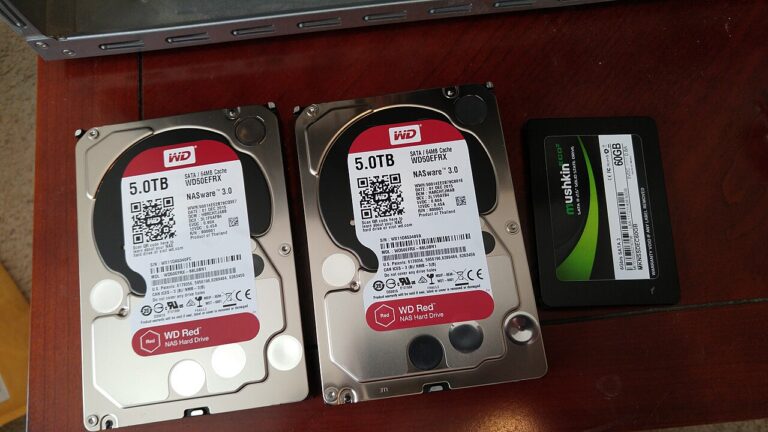
[Local LLM 30] Back Up and Restore a Document Q&A Tool
Keep document data, configuration and rebuild steps together, then test restoring the Q&A tool in a separate working directory.
-
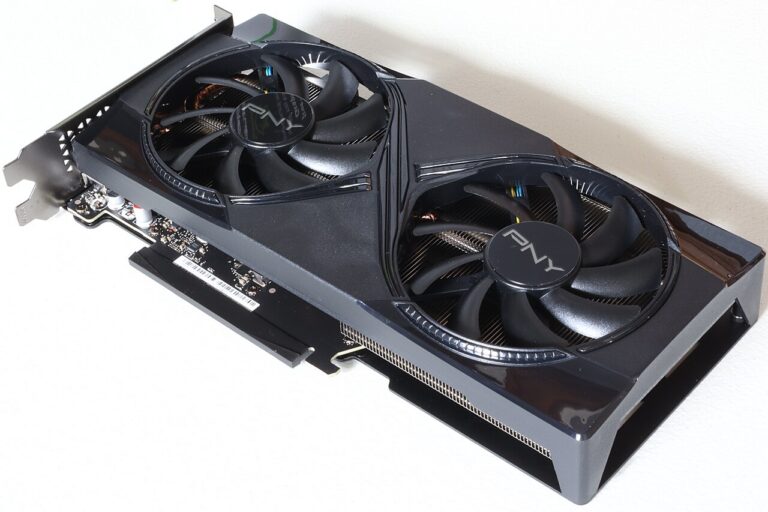
Ollama Not Using Your NVIDIA GPU on Linux: What to Check
Check NVIDIA device visibility, Ollama model placement, systemd settings, and Docker GPU access when inference appears to run on CPU.