
MaruOps · Infrastructure and AI notes
Linux, Kubernetes
and local AI.
Linux, networking, Kubernetes and local LLMs.
Configuration choices and troubleshooting, explained step by step.
Series guides
Kubernetes Lab
Prepare three VMs, build a cluster, then work through deployment, networking and recovery.
Local LLM
Run a first model, then explore APIs, document retrieval, tools and operations.
Git and GitOps
Follow repositories and commits through CI, deployment and GitOps recovery.
Latest articles
Browse the topics to find the guide you need.
-
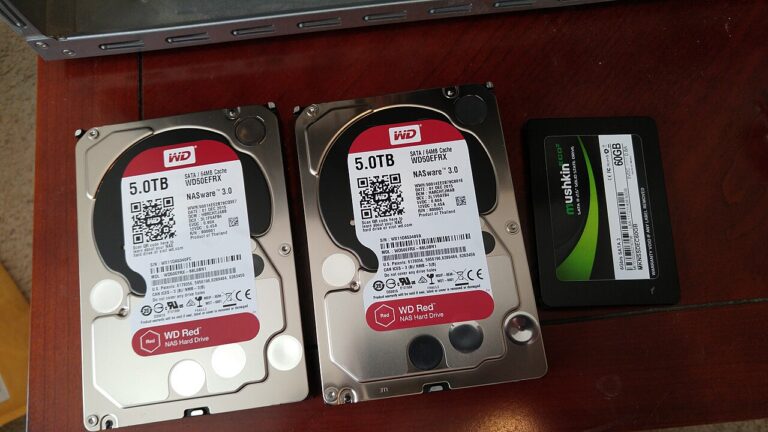
[Local LLM 30] Back Up and Restore a Document Q&A Tool
Keep document data, configuration and rebuild steps together, then test restoring the Q&A tool in a separate working directory.
-
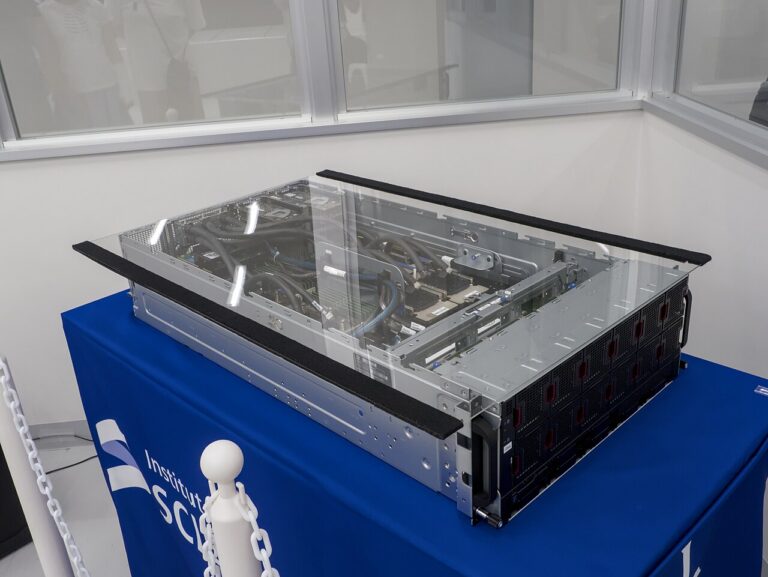
NVIDIA GPU Comparison: Workstation and Server Specs, vGPU, MIG and Prices
Compare NVIDIA GPU memory, bandwidth, installation requirements, vGPU and MIG support, with prices tied to the source check date.
-

[Kubernetes Lab 01] Prepare Windows 11, VMware and Rocky Linux
Plan and create the three Rocky Linux VMs for a Kubernetes lab running in VMware on a Windows 11 host.
-
[Kubernetes Lab 02] Rocky Linux IP, Time and Kernel Settings
Set stable addresses and hostnames, synchronize time, and check kernel and network settings on the three Rocky Linux lab VMs.
-
[Kubernetes Lab 03] Install containerd 2.x and kubeadm
Prepare containerd and the Kubernetes packages, check runtime settings, and verify the prerequisites for kubeadm.
-
[Kubernetes Lab 04] Build the Cluster and Connect Calico
Initialize the control plane, join the workers and check Calico networking before deploying applications.
-
[Kubernetes Lab 05] Deploy an Application and Perform a Rolling Update
Create a Deployment, inspect rollout status and test a rolling update, then use the recorded revision to recover from a failed change.
-
[Kubernetes Lab 06] Service DNS and Access from Windows
Trace ClusterIP, Service DNS and NodePort traffic, and choose the correct address when accessing the lab from Windows.
-
[Kubernetes Lab 07] Keep Files with a Local PV and PVC
Create a local PersistentVolume and claim, check where application files remain, and understand node placement and recovery limits.

About these notes
Configuration
and troubleshooting.
From first configuration to operational issues.
Find what to inspect, why it matters, and how to proceed.