
MaruOps · Infrastructure and AI notes
Linux, Kubernetes
and local AI.
Linux, networking, Kubernetes and local LLMs.
Configuration choices and troubleshooting, explained step by step.
Series guides
Kubernetes Lab
Prepare three VMs, build a cluster, then work through deployment, networking and recovery.
Local LLM
Run a first model, then explore APIs, document retrieval, tools and operations.
Git and GitOps
Follow repositories and commits through CI, deployment and GitOps recovery.
Latest articles
Browse the topics to find the guide you need.
-

[Local LLM 03] Choose a Model for Your Computer
Compare model size, quantization, context and intended tasks against the memory and runtime available on your computer.
-
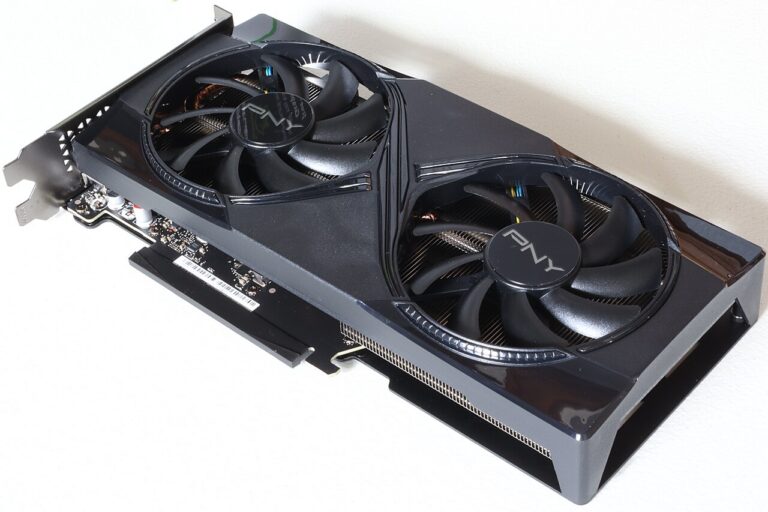
[Local LLM 04] Read CPU, GPU and VRAM Specifications
Read CPU, system memory and GPU VRAM specifications, and distinguish the resources used when loading and running a local model.
-
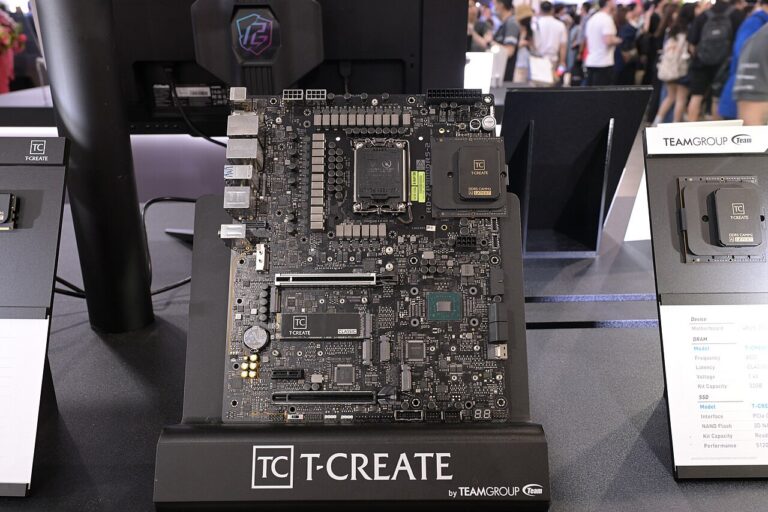
[Local LLM 05] Tokens, Context, Quantization and Memory Use
Understand how token count, context length and weight quantization affect local model memory requirements.
-
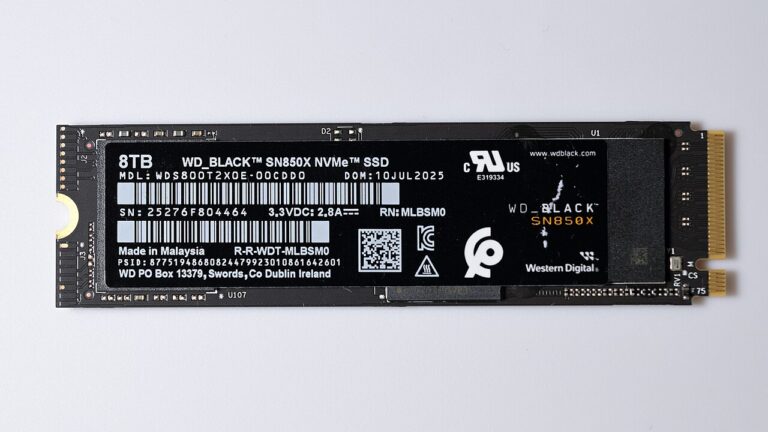
[Local LLM 06] Move Model Storage and Check Offline Operation
Find the model storage path, move it with the relevant runtime settings, and check what remains available without a network connection.
-

[Local LLM 07] Use GGUF Models and the API in LM Studio
Load a compatible GGUF model in LM Studio, inspect resource settings and test its local API with the selected model.
-

[Local LLM 08] Install Python and Create Project Environments
Install Python, create a virtual environment per project and verify which interpreter and package installer are active.
-

[Local LLM 09] Install Node.js and npm and Check Executable Paths
Verify Node.js and npm installation, locate the executable used by the terminal, and inspect project dependency handling.
-

[Local LLM 10] Install WSL2 and Understand Files and Networking
Prepare WSL2 and identify which environment owns a file path, process or network endpoint when working between Windows and Linux.
-
[Local LLM 11] Understand Docker Desktop, Containers, Volumes and Ports
Install and check Docker Desktop, then distinguish container processes, persistent volumes and published ports.

About these notes
Configuration
and troubleshooting.
From first configuration to operational issues.
Find what to inspect, why it matters, and how to proceed.