
MaruOps · Infrastructure and AI notes
Linux, Kubernetes
and local AI.
Linux, networking, Kubernetes and local LLMs.
Configuration choices and troubleshooting, explained step by step.
Series guides
Kubernetes Lab
Prepare three VMs, build a cluster, then work through deployment, networking and recovery.
Local LLM
Run a first model, then explore APIs, document retrieval, tools and operations.
Git and GitOps
Follow repositories and commits through CI, deployment and GitOps recovery.
Latest articles
Browse the topics to find the guide you need.
-

[Git and GitOps 20] Apply GitOps Principles and Separate App and Deployment Repositories
Understand the four GitOps principles and decide which repository holds application source and which holds deployment state.
-

[Git and GitOps 19] Plan CD: Approval, Artifact Promotion and Image Digests
Move a verified artifact through delivery and deployment stages using approvals, immutable image references and recovery records.
-
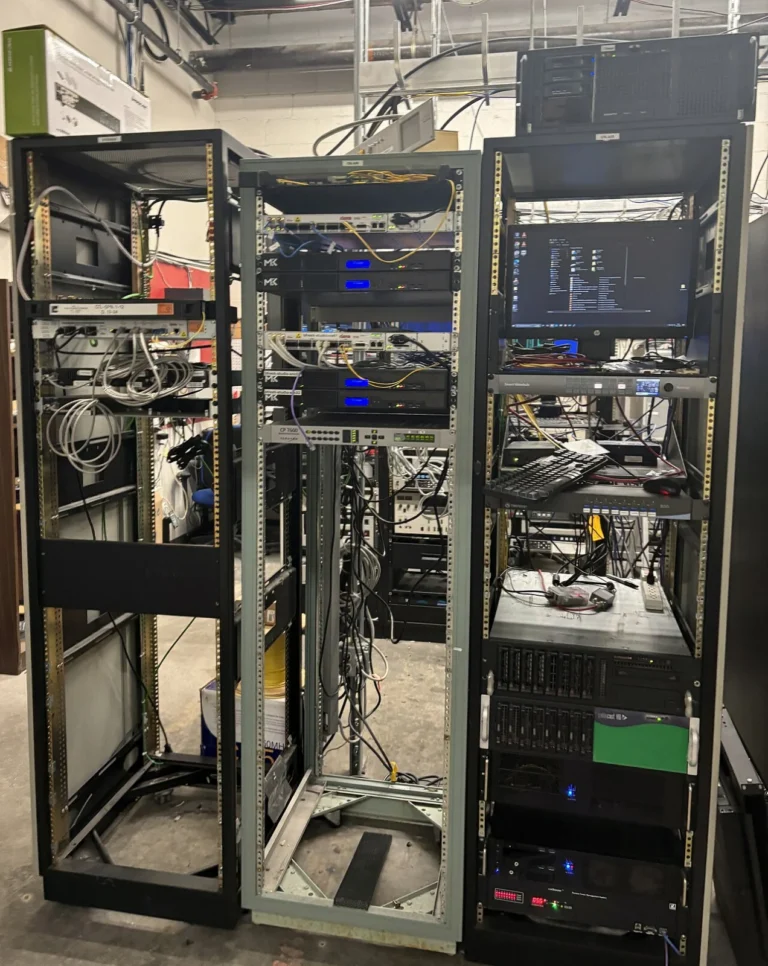
[Git and GitOps 18] Connect Gitea and Jenkins: Credentials and Jenkinsfile
Connect a Gitea repository to Jenkins with scoped credentials, a Jenkinsfile and the appropriate build trigger.
-

[Git and GitOps 17] Add GitHub Actions CI and Stop on Test Failures
Define a GitHub Actions workflow that checks the code, reports failures and publishes artifacts only after the required steps pass.
-
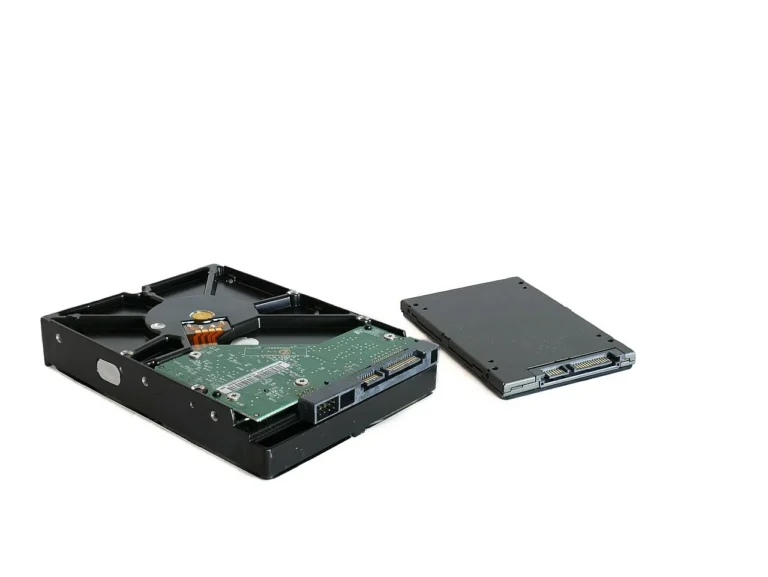
[Git and GitOps 16] Back Up and Restore Gitea Beyond the Repository Files
Identify Gitea’s database, configuration and stored data, then test a consistent restore in an isolated environment.
-
[Git and GitOps 15] Run a Local Gitea Server with Docker Compose
Deploy Gitea with Docker Compose, configure persistent storage and verify repository access before using it as a team service.
-
[Git and GitOps 14] Build a Local Git Server with Bare Repositories and SSH
Create a bare Git repository on Rocky Linux or Ubuntu, configure SSH access and test a client’s push and clone operations.
-

[Git and GitOps 13] Review gitignore, Line Endings, LFS and Secrets
Keep repository content intentional by checking ignored files, text normalization, large assets and accidentally committed credentials.
-

[Git and GitOps 12] Use Tags and Releases to Identify a Deployment
Mark a known commit with a tag and keep the released artifacts and deployment records associated with that version.

About these notes
Configuration
and troubleshooting.
From first configuration to operational issues.
Find what to inspect, why it matters, and how to proceed.