Linux
Linux configuration and troubleshooting.
-

Set a Static IP on Rocky Linux 9 with nmtui and nmcli
Identify the NetworkManager connection, set a static address and DNS, and prepare a recovery path before changing a remote connection.
-

[Python Environments 06] Structure OCR Tools, Language Data, APIs and Workers
Separate OCR executables, language packs, Python dependencies and worker processes when building an OCR application.
-

[Python Environments 05] Plan pandas, Jupyter, CPU and GPU Environments
Separate data analysis, notebooks and GPU workloads into reproducible environments with explicit system and Python dependencies.
-

[Python Environments 04] Structure a Web Project with src, uv and Tests
Organize a Python web project, manage its environment and tests, and distinguish development settings from deployment requirements.
-

[Python Environments 03] Use conda, Miniforge and Jupyter Kernels
Create a Miniforge environment, install analysis tools and connect the correct Python environment to a Jupyter kernel.
-

[Python Environments 02] Use uv for Python, Dependencies and Lockfiles
Select Python with uv, manage project dependencies and use a lockfile to recreate the environment.
-

[Python Environments 01] Choose venv, uv or conda on Linux
Prepare a Python development environment on Ubuntu or Rocky Linux and choose venv, uv or conda for the project’s requirements.
-
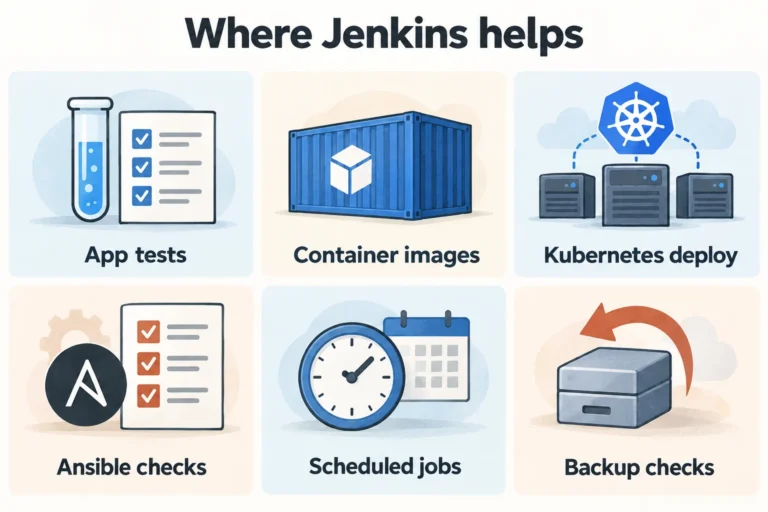
[Jenkins 04] Six Uses: Image Builds, Kubernetes Deployment and Operations
Explore six Jenkins automation patterns and the permissions, artifacts, verification and recovery each workflow needs.
-
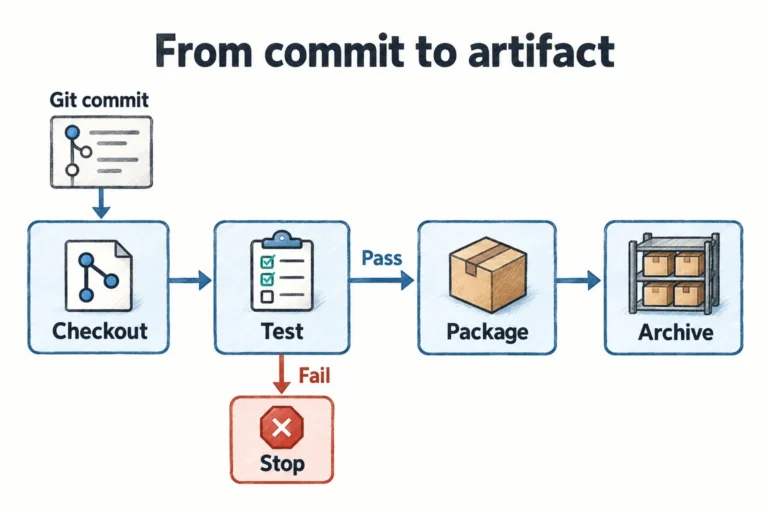
[Jenkins 03] From a First Job to a Jenkinsfile: Git, Agents and Pipelines
Create a first Jenkins job, connect source control and an agent, then move repeatable build steps into a Jenkinsfile.